
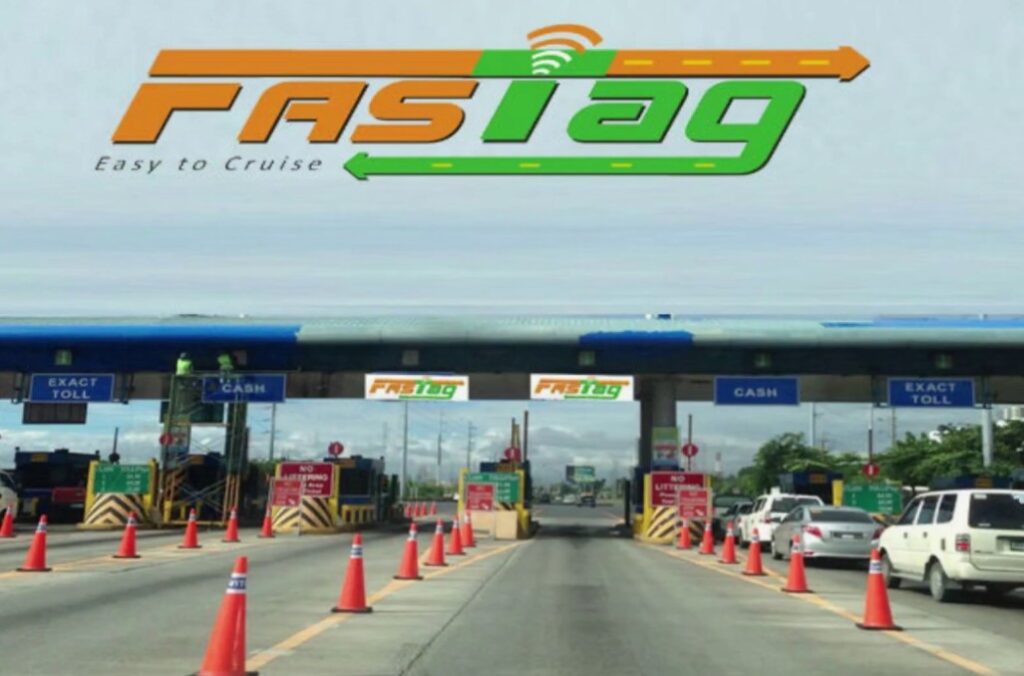

Updating your KYC on the FASTag app doesn’t have to be confusing or time-consuming. In this post, I’ll walk you through the process step-by-step, using my own experience, so you can get it done in minutes—without any stress or guesswork.
Introduction
Earlier this year, I received a notification that my FASTag account may be suspended due to missing KYC details. Initially, I was apprehensive, but then I realized that updating KYC on the FASTag app is easier than I thought.
If you’ve received such a notice or want to make a hassle-free toll payment, this guide is for you. I will explain exactly why updating your KYC is important, what documents you need, and how to do it using the FASTag app.
What is FASTag?
FASTag is a simple, reloadable tag attached to your vehicle’s windscreen that allows automatic toll payments on highways. Linked to your bank account or wallet, it uses Radio Frequency Identification (RFID) technology to deduct toll fees directly without stopping at booths.
Why Do You Need to Update Your KYC?
The Reserve Bank of India (RBI) and National Highways Authority of India (NHAI) have made KYC compliance mandatory for FASTag users. Without an updated KYC, your FASTag may be:

-
Blocked or deactivated
-
Denied recharges
-
Unable to process toll transactions
KYC ensures that your FASTag account is legally verified and secure, protecting against fraud and misuse.
Documents Required for KYC Update
Here are the basic documents you’ll need to update your KYC:
🟢 For Individuals:
-
PAN Card (mandatory)
-
Aadhaar Card / Voter ID / Passport / Driving License (any one)
-
Vehicle Registration Certificate (RC)
🟢 For Corporate/Commercial Vehicles:
-
Company PAN Card
-
Proof of business (GST certificate, etc.)
-
Authorization letter and ID proof of authorized signatory
Make sure all documents are scanned or photographed clearly for uploading.
Step-by-Step: How to Update KYC via FASTag App
Using the FASTag mobile app to update your KYC is a simple and quick process. Take the following steps:
-
Open the FASTag App
-
Download from Play Store or App Store if not already installed.
-
Log in with your registered mobile number and OTP.
-
-
Go to ‘Profile’ or ‘KYC Update’ Section
-
This section may differ slightly depending on your provider (Paytm, ICICI, HDFC, etc.).
-
-
Upload Documents
-
Select the appropriate user type (individual/commercial).
-
Upload clear images of your PAN card and address proof.
-
Upload your vehicle RC (if required).
-
-
Submit for Verification
-
Review the info, check for errors, and hit ‘Submit’.
-
You’ll receive an SMS/email once the KYC is approved (usually within 1–3 working days).
-
-
Track Status
-
You can check the KYC update status in the app’s dashboard.
-
Additional Tools and Recommendations
🛠️ Recommended Tools/Resources:
-
NHAI’s FASTag portal – For official updates and FAQs.
-
Paytm FASTag KYC – For Paytm users.
-
ICICI FASTag Portal – For ICICI users.
-
Use apps like Adobe Scan to convert your physical documents into clear PDFs.
🔎 Expert Tip: If your documents are rejected, make sure your name matches exactly across documents. Small mismatches can delay the process.
Warnings and Transparency
While updating KYC is straightforward, here are some things to keep in mind:
⚠️ Risks:
-
Uploading blurred or incorrect documents may lead to rejections.
-
Using someone else’s documents can lead to account suspension.
-
Avoid third-party agents charging fees—they’re unnecessary and risky.
✅ Transparency:
-
This post is for educational purposes only. Always refer to your provider’s official page for specific requirements.
-
I don’t use affiliate links in this guide, and all tools mentioned are either free or publicly available.
Conclusion
Now you know how quick and easy it is to update your FASTag KYC using the mobile app. All it takes is a few documents, a good internet connection, and 10–15 minutes of your time.
If you haven’t updated your KYC yet, don’t wait—do it now to avoid disruptions in toll payments.
📥 Have questions? Drop them in the comments or email me—happy to help.